
AI Summary
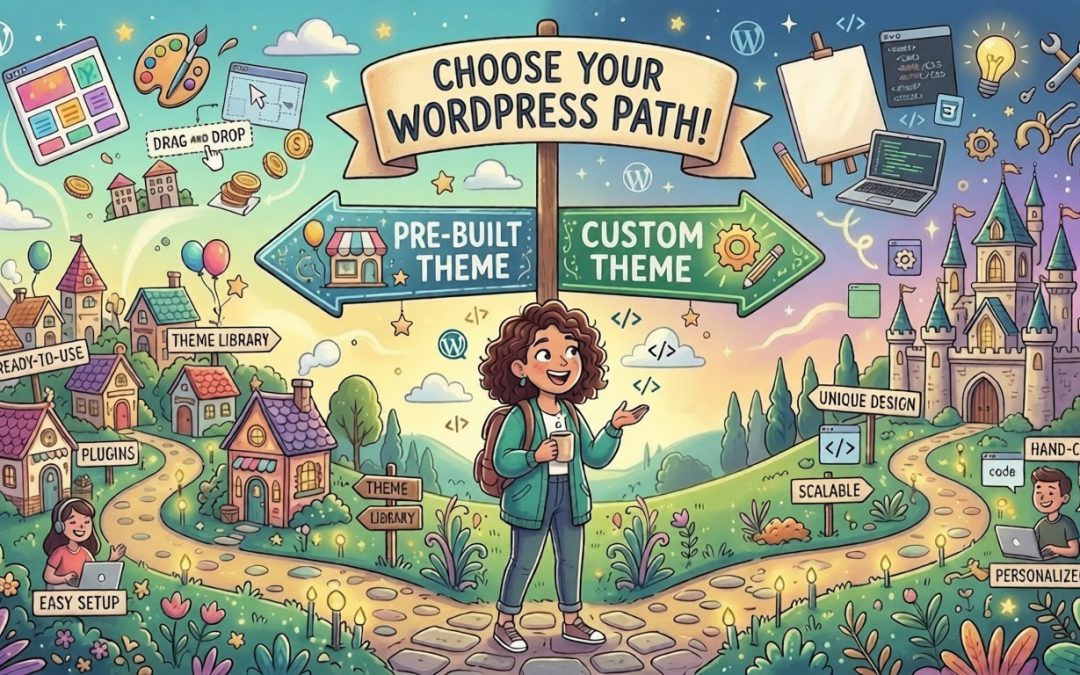
WordPress offers a flexible range of development paths to suit any budget or technical skill, spanning from quick, pre-made themes to powerful “super themes” for added control. For those prioritizing performance and unique functionality, custom-coded themes offer a streamlined, faster alternative, while third-party page builders provide visual design ease. Advanced users can even utilize a “headless” setup to decouple content management from the front-end, proving that WordPress can be tailored to meet everything from simple site requirements to complex, multi-platform demands.While cloud-based CMS’s offer a simple pre-defined path for building your site, WordPress offers several paths depending on your needs, skill level and budget.
Free & Paid Themes
There are many off-the-shelf themes for WordPress, both free and paid. They offer a quick way to get a site up and running with minimal effort, but customization options may be limited.
Super Themes
If more customization is needed, there are themes we call “super themes” like Avada and Salient that allow for significant customization and even include pre-configured website designs that you can choose from.
Custom Themes
If your goal is a totally unique design or custom functionality that matches your specific brand needs, then a custom-built theme may be your best choice. Since a custom-theme is built from the ground up just for your site, it doesn’t include the “bloat” of unused features found in off-the-shelf themes. In addition, the focused code gives custom-built themes an edge with faster load times, which is a welcome benefit to user experience as well as SEO rankings.
Custom themes can be built to cater to the types of content that are important to your specific site. For example, an architectural firm’s website could have data types for projects and clients, each with fields specific to those types. This can be done using a combination of WordPress plugins, such as Advanced Custom Fields (ACF) and WordPress’ visual editor, Gutenberg.
Third-Party Page Builders
Although WordPress comes with an excellent built-in visual page builder called Gutenberg, there are other options available through plugins like Elementor, Divi builder, and WPBakery. Each has their own strengths, but it’s important to remember that if you go with a third-party solution like Elementor or Divi, then your content will be reliant on that plugin going forward.
Headless WordPress
A less common and more complicated approach is using WordPress as a “headless” CMS. In this setup, the “front-end” (the part of a website that you can see and click on) is separated from the “back-end” (where you write and manage content). In a traditional setup, WordPress handles both. In a headless setup, WordPress only acts as a content storage system where it sends that content through a digital “pipe” called an API. This content is then consumed by a completely different application that displays it to the user. This can be useful where a project needs to deliver content to multiple platforms simultaneously, like a website and a mobile app. However, this approach has higher development costs, and requires an increased dependency on developers. For example, an end user can simply install a plugin to add some new functionality, instead a developer needs to write new code and redeploy the site. For more information, see our article on Using WordPress with React.
In Closing
WordPress provides a wide range of website-building options, from quick off-the-shelf themes and versatile “super themes” to custom-coded solutions tailored to specific needs. Which option you choose will depend on the requirements of your site, technical ability and budget.